1. Go to any web browser and type in https://edsign.empiredigitalsigns.com/ to the address field.

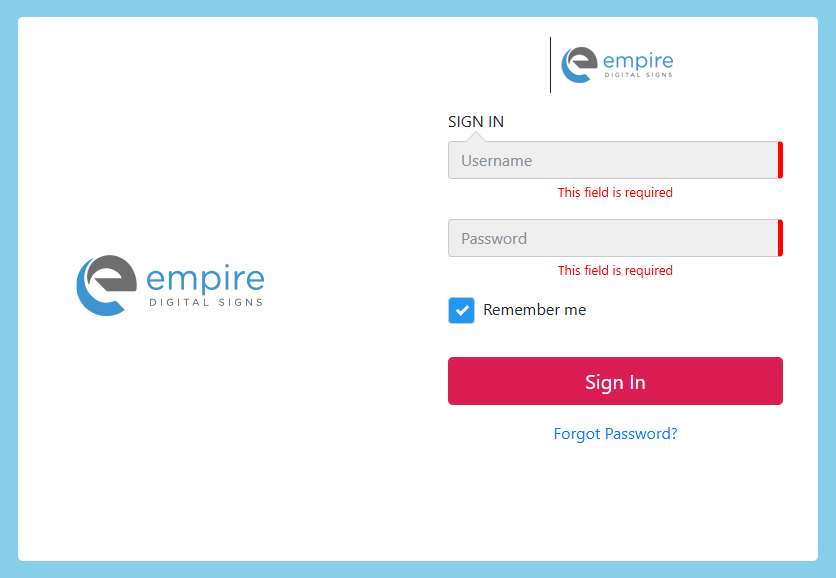
2. Once you get to the EDSign Studio then type in your Username and Password and click on "Sign In"
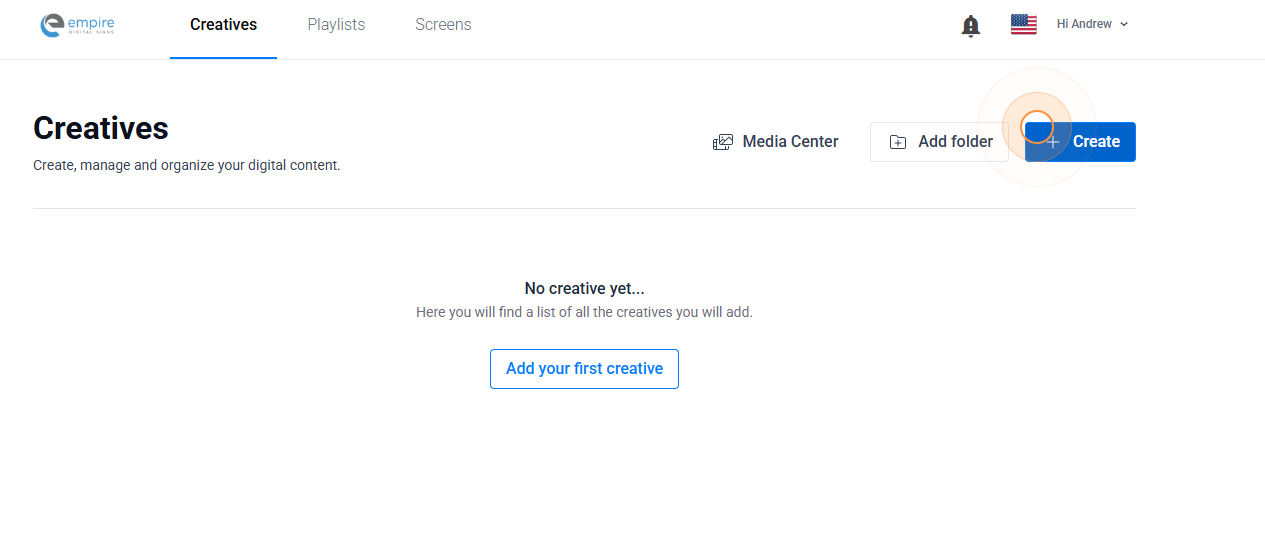
3. Click "+ Create"
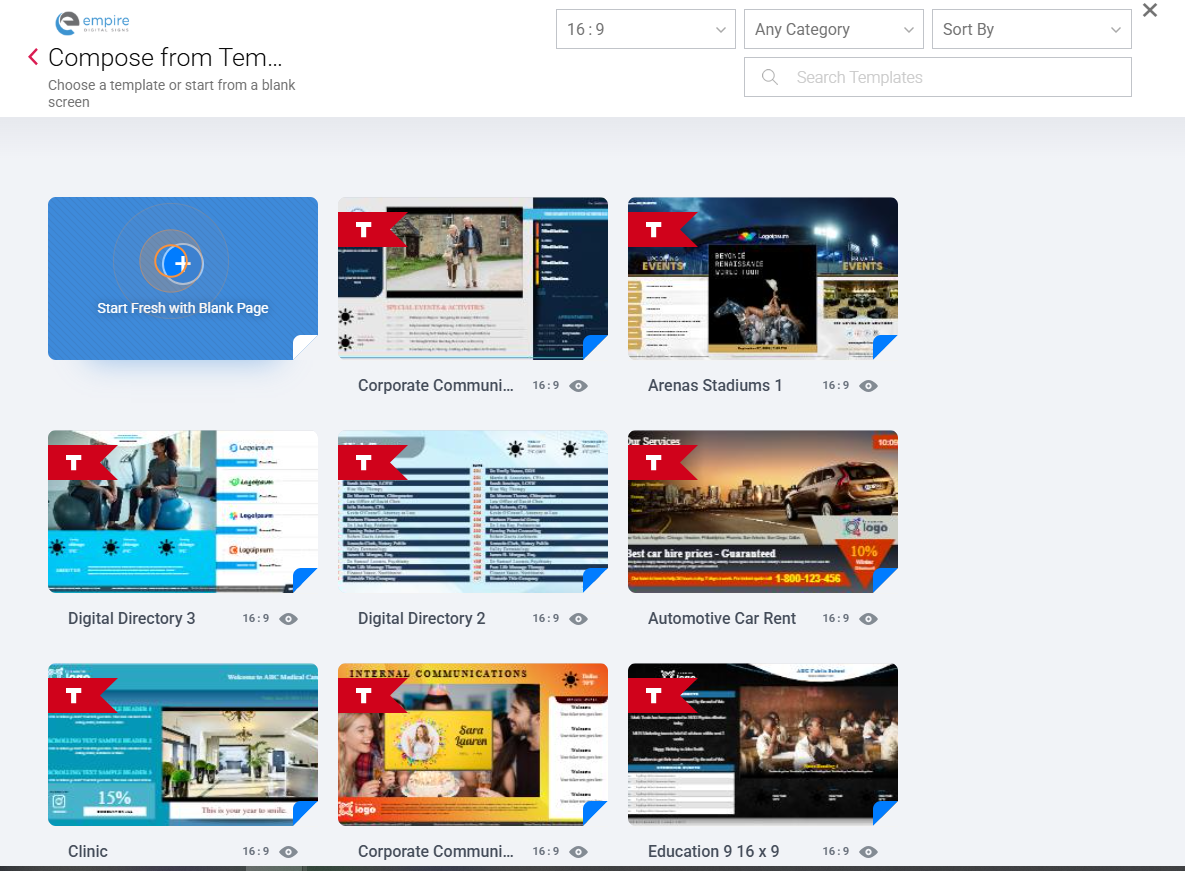
4. Click "+" which will create a creative or you can choose from tons of templated designs
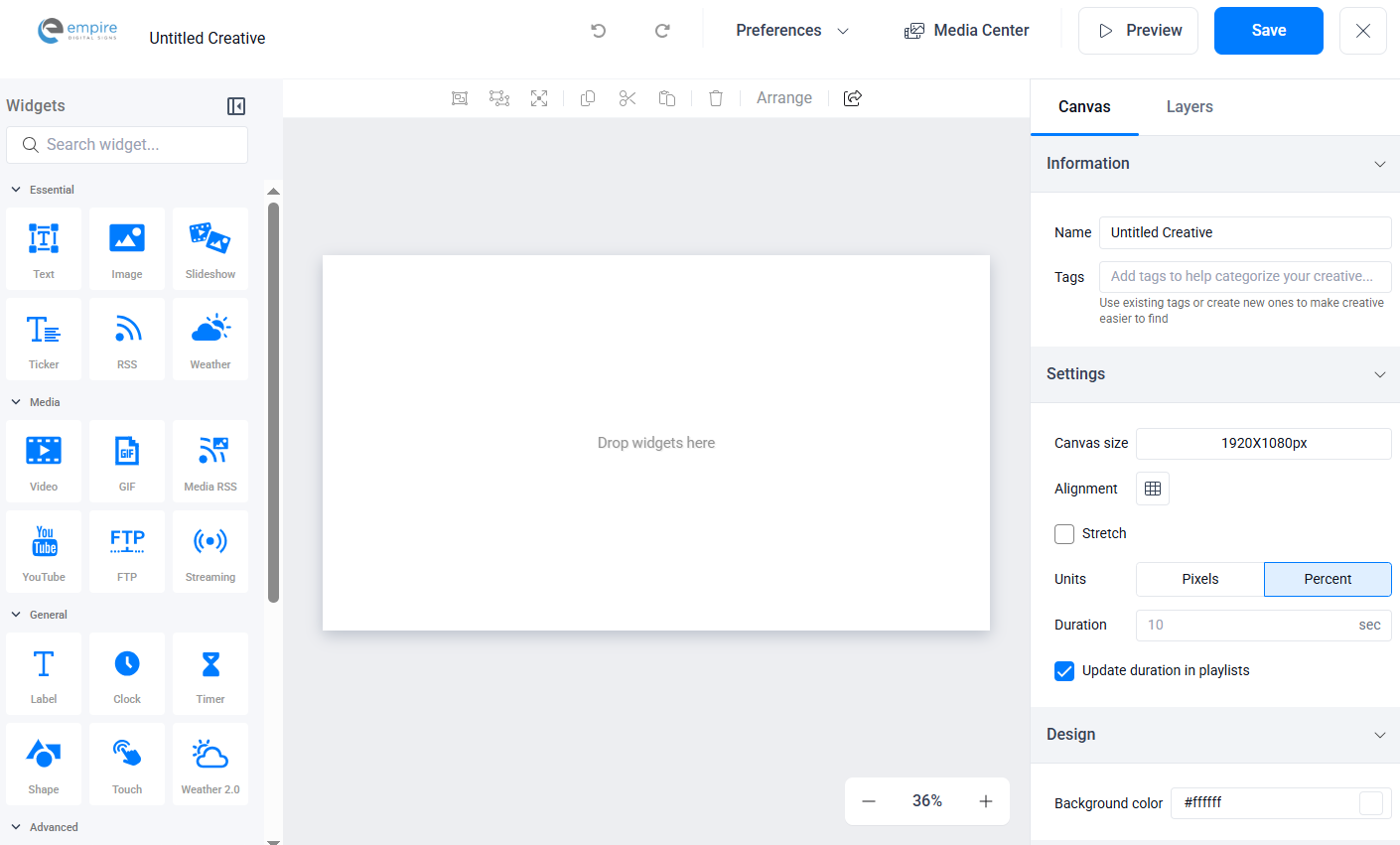
5. You have successfully created a creative. Now its time for the fun part - content creation!